Full Google Workspace Integration: Gmail, Calendar, and Drive for Your AI Employee

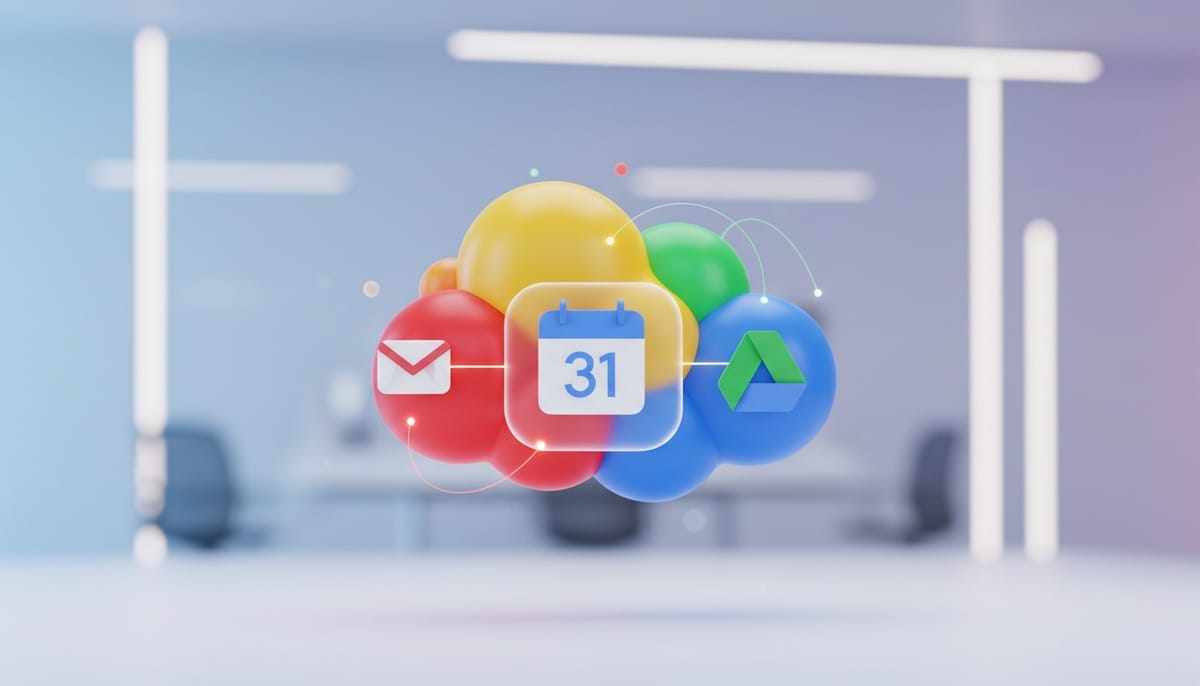
Google Workspace powers millions of businesses worldwide. Gmail for communication, Calendar for scheduling, Drive for collaboration - it's a productivity ecosystem that teams know intimately. Today, we're announcing that Geta.Team's AI virtual employees now integrate natively with the entire Google Workspace suite.
One AI Employee, Full Google Workspace Access
Your AI virtual employee can now operate seamlessly across Gmail, Google Calendar, and Google Drive. This isn't three separate integrations bolted together - it's a unified experience where your AI teammate navigates Google Workspace as naturally as any human colleague.
Gmail Integration: Your AI can read, compose, and manage emails on your behalf. They can handle routine correspondence, flag important messages, draft responses for your review, and maintain your inbox with intelligent organization.
Google Calendar Integration: Scheduling becomes effortless. Your AI manages your calendar, coordinates meetings across time zones, handles rescheduling requests, and ensures you're never double-booked.
Google Drive Integration: Your AI can access, organize, and work with documents in your Drive. They can find files you need, create documents from templates, and maintain folder structures that keep your work organized.
Real-World Workflow Examples
Morning Briefing: Your AI executive assistant scans your Gmail overnight, reviews your calendar for the day, and prepares a morning briefing document in Drive - all ready when you start work.
Meeting Preparation: Before any meeting, your AI pulls relevant documents from Drive, summarizes recent email threads with attendees, and prepares a briefing note.
Follow-Up Automation: After meetings, your AI sends follow-up emails to attendees, schedules next steps in Calendar, and files meeting notes in the appropriate Drive folder.
Email Triage: Your AI continuously monitors Gmail, categorizing messages, drafting responses to routine inquiries, and escalating urgent items for your immediate attention.
Context That Flows Across Applications
The power of unified Google Workspace integration lies in connected context. When your AI schedules a meeting, they already know the email thread that prompted it. When they draft a response, they can reference documents in Drive. When they file notes, they understand the calendar context.
This cross-application awareness transforms your AI from a single-purpose tool into a genuine assistant who understands the full picture of your work.
Security and Privacy First
Google Workspace often contains an organization's most sensitive information. We've built the Google Connector with security as the foundation:
- OAuth 2.0 Authentication - secure, standard authorization
- Granular Permissions - grant only the access levels you're comfortable with
- No Data Storage - your content stays in Google; we don't retain copies
- Audit Logging - full visibility into AI actions across your workspace
- Admin Controls - organizational administrators maintain oversight
Your IT team stays in control. Your data stays in Google. Your AI simply gains the ability to work within that environment on your behalf.
Beyond Individual Productivity
The Google Connector isn't just about personal productivity - it enables team-wide AI assistance:
- Shared Calendars: Your AI can coordinate across team calendars for meeting scheduling
- Team Drives: Organize and maintain shared document repositories
- Group Communications: Manage distribution lists and team email workflows
- Collaborative Documents: Create, edit, and maintain shared Google Docs
Getting Started
For existing Geta.Team customers, the Google Connector is available now in your dashboard. Simply authorize the connection, configure your permissions, and your AI employee gains full Google Workspace capability.
New to Geta.Team? Start your journey with an AI virtual employee who works across the tools you already use every day.
Your productivity tools should work together. Now your AI does too.
Connect your AI employee to Google Workspace. Get started at geta.team.