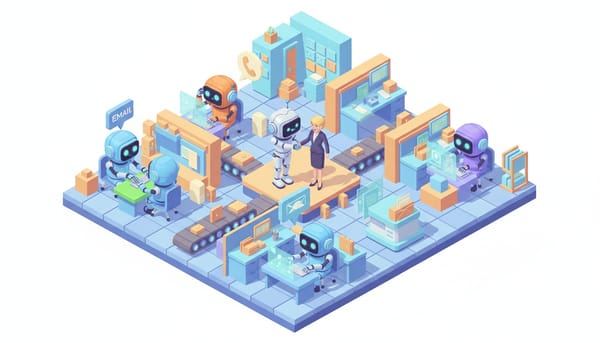
"Workslop" — When Your AI Agent Makes More Work, Not Less

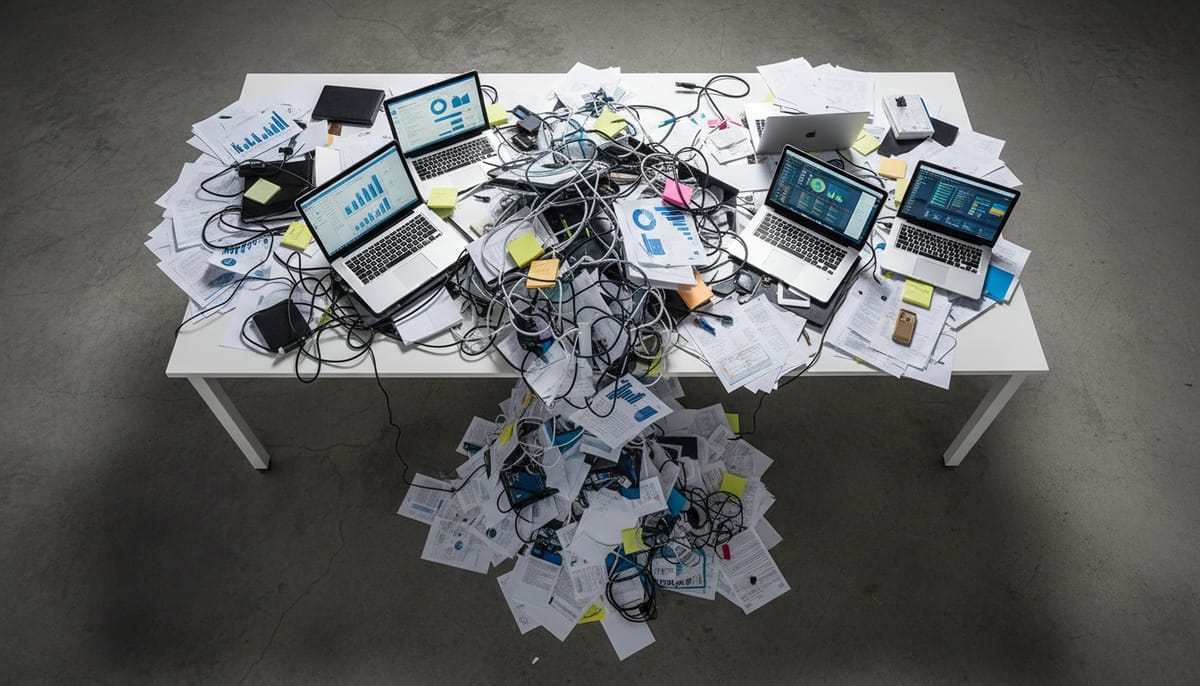
Every company deploying AI agents right now is making the same mistake. They're taking their existing workflows — the ones that were already broken when humans ran them — and handing them to an agent. Then they're surprised when the agent makes things worse.
Deloitte has a word for this. They call it workslop.
The Copy-Paste Trap
Here's how workslop happens. A company has a weekly reporting process. It takes a team of three people about six hours every Friday. Someone in leadership says, "Let's automate that with AI."
So they build an agent that generates the same report. Automatically. Every Friday.
Except now the report runs on Monday too. And Wednesday. Because why not? It's free. Then someone adds a daily Slack summary. Then a real-time dashboard. Then an alert for every metric that moves more than 2%.
Within a month, the team that used to spend six hours on one report is now spending twelve hours a week managing, reading, triaging, and correcting the output of an agent that never stops producing.
That's workslop. The agent didn't fail. It succeeded — at doing the wrong thing, faster than any human ever could.
Three Flavors of Workslop
After looking at Deloitte's 2026 Tech Trends data and talking to teams deploying agents, the pattern breaks into three categories.
1. The Report Factory
Agents that auto-generate documents nobody asked for. Weekly summaries that duplicate the dashboard. PDFs that summarize the email that summarized the meeting. I've seen teams where agents produce 40+ pages of reporting per week that gets opened by exactly zero people.
The human version of this was already broken — people writing CYA reports to prove they were busy. Automating it didn't fix the problem. It scaled it.
2. The Escalation Loop
An agent gets deployed to handle customer inquiries. But its confidence threshold is set too low, or its decision authority is undefined. So it escalates. Everything.
"A customer asked about pricing" — escalated. "A customer said thanks" — escalated. "A customer used a word not in the training data" — definitely escalated.
The support team that was supposed to get relief is now spending more time triaging agent escalations than they spent answering tickets directly. The agent became a very polite, very fast bottleneck.
3. The Meeting Generator
This one's my favorite. An AI scheduling agent gets access to everyone's calendar. Its job: find optimal meeting times. Its actual output: more meetings.
It identifies "gaps" in people's calendars and helpfully suggests filling them. It creates sync meetings to discuss async updates. It schedules follow-ups to follow-ups. The agent optimized for calendar utilization when it should have optimized for calendar emptiness.
Why This Keeps Happening
Deloitte's data tells the story. Only 14% of organizations have deployable agentic solutions. 35% have no formal strategy at all. And Gartner predicts 40% of agentic AI projects will fail by 2027 — not because the models are bad, but because of legacy system incompatibility and process design failures.
The root cause is simple: most companies treat agent deployment as a technology project. Drop in the agent, connect it to the existing systems, watch it go. But agents don't fix broken processes. They amplify them.
It's the same mistake companies made with RPA five years ago. Automating a broken workflow doesn't give you an efficient workflow. It gives you a broken workflow that runs 24/7 and never calls in sick.
The Agent-Native Mindset
The companies getting real value from AI agents are doing something different. They're not asking "which of our existing tasks can an agent do?" They're asking "if we were starting from zero, what would this workflow look like with an agent as a team member?"
That's a fundamentally different question. And it leads to fundamentally different designs.
Instead of an agent that generates the same weekly report but faster, you get an agent that monitors the underlying data continuously and only surfaces something when there's an actual anomaly worth human attention. No report. No dashboard. Just a tap on the shoulder when it matters.
Instead of an agent that escalates everything, you get an agent with clear decision authority — it can resolve X, Y, and Z on its own, and it only escalates the specific scenarios where human judgment genuinely adds value.
Instead of a scheduling agent that fills calendars, you get one that protects focus time and kills unnecessary meetings.
The difference isn't the technology. It's the design philosophy.
How to Smell Workslop Before It Spreads
Three quick diagnostic questions for any agent deployment:
Are people spending time managing the agent's output? If humans are reading, correcting, triaging, or formatting what the agent produces, you've built a supervisor role that didn't exist before. That's workslop.
Did the total volume of [reports / emails / meetings / tickets] go up after deploying the agent? If yes, the agent is producing, not solving. Step back and ask whether the output itself is the problem.
Can you turn off the agent for a week without anyone noticing? If nobody misses it, you have your answer.
The Uncomfortable Truth
Most AI agent failures in 2026 won't be technical failures. The models work. The APIs are stable. The infrastructure is there.
The failures will be design failures. Companies that photocopied their broken human workflows and handed them to a machine that never gets tired of doing the wrong thing.
Workslop is what happens when you automate without thinking. The antidote isn't better AI. It's better questions about what the AI should actually be doing.
Want to test AI employees that are designed around agent-native workflows — not duct-taped onto your legacy processes? Try it here: https://Geta.Team