v3.1.6: Your AI Employees Now Join Your Meetings, Shared Links Get Real Preview Cards, and Dictation Hears You Over the Noise

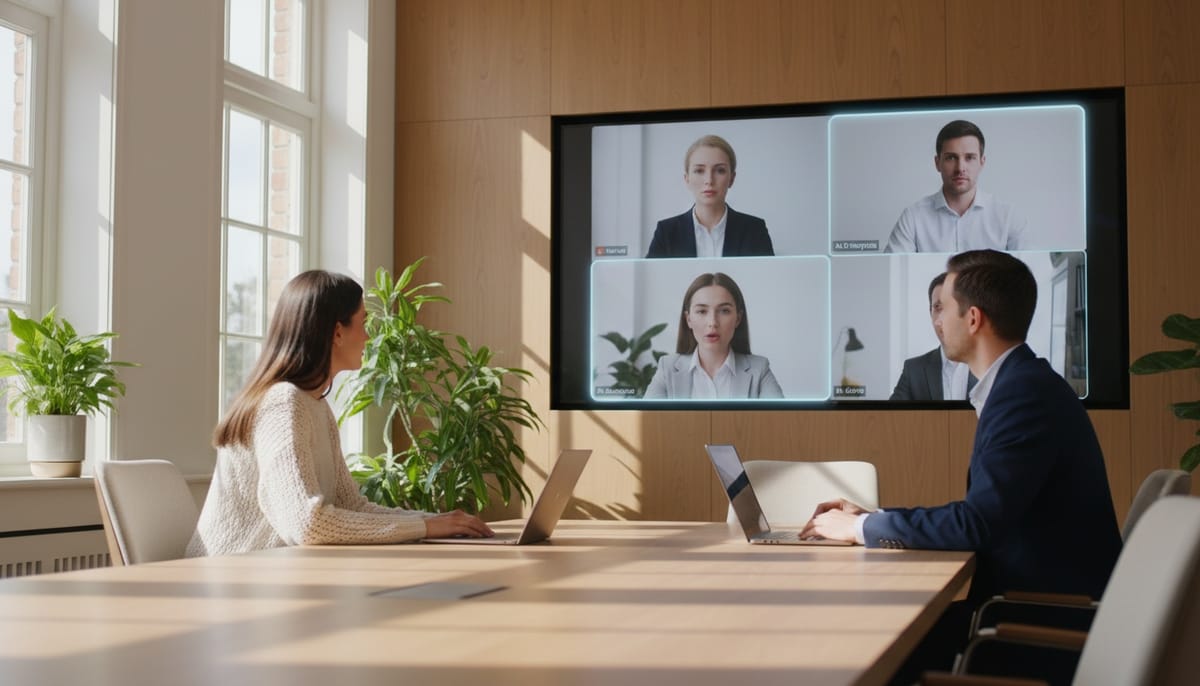
Your AI employees could already answer emails, make phone calls and take video calls one-on-one. What they couldn't do was sit in a meeting with the rest of the team. v3.1.6 fixes that. Geta.Team now has its own video meetings, built into every instance, and your employees can join them as participants who listen, remember and follow up.
Meetings: Your Team and Your AI Employees in One Room
Open Meetings in the sidebar, give the meeting a title, choose Now or Later, and pick who attends: your employees, members of your team, and guests by email. Setup takes three steps, and you get a link to share. Meetings run on the video server that already ships with your instance, so there's nothing extra to install.
Everything you would expect from a modern meeting tool is there: cameras, screen sharing, a chat that takes files and shows link previews, raised hands, reactions, polls, a shared whiteboard, background blur, and a noise filter that removes keyboards and fans before anyone hears them. Film-style subtitles run across the screen, and a live transcript keeps track of who said what.
Your employees listen, and speak when you ask
Employees in a meeting stay quiet by default. When you want one to contribute, press Ask on its tile. It answers out loud, in its own voice, and it knows everything said and written in the meeting so far. You decide who it listens to: only you, everyone, or specific people. Its tile shows who it is hearing in real time ("Listening to Ada").
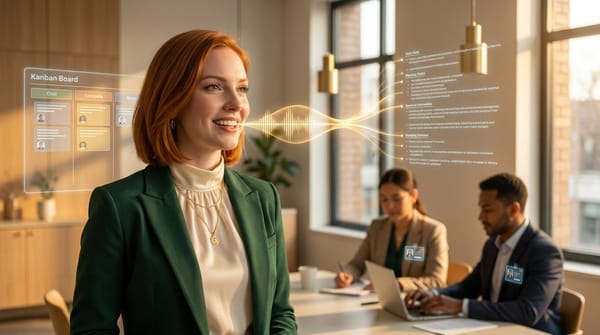
They also keep their tools during the meeting. Ask an employee to send the follow-up email or add a card to the kanban, and it does the work from its chat, then announces out loud when it is done. Only the owner or an admin can give an employee work or ask about its memory, so a guest can't make it act for you.
A facilitator that keeps the meeting on time
Choose one of your employees as facilitator and write an agenda. It welcomes everyone, opens each topic in order, tells the room when a topic runs over, and five minutes before the end turns to the topics nobody has covered yet. It's like having a meeting chair who never loses the agenda.
After the meeting, nothing gets lost
When the meeting ends:
- Every employee who attended gets the full notes (participants, chat, transcript, replay link), saves what matters, carries out what was asked, and reports back.
- Action items become kanban cards. The Actions panel picks up "who does what" during the conversation, checks the list once more at the end, and puts each item on the right board.
- A clean transcript replaces the live one. A stronger model goes through the whole meeting again, corrects names and terms, and removes anything the live captions made up over background noise.
- Recorded meetings get a private replay site with the video, a searchable transcript, chat, and an AI recap with the summary, decisions, actions and chapters. Only participants can open it, each with a personal sign-in link. Recordings are deleted after 48 hours by default, and admins can choose 24 hours, 7 days or 30 days instead.
Joining late? You'll get a short "What you missed" summary of the decisions, open questions and who said what, just for you.
Built for real meetings with real guests
- Waiting room for guests who join by link, while guests invited by email get a personal link and go straight in.
- Optional meeting password, plus a visible "Recorded" badge that guests have to accept before joining.
- A calendar view of every meeting, with time slots from 15 minutes to 2 hours, an add 15 minutes button for admins, and invitation emails that include a calendar file.
- Reminders and a ring inside Geta.Team when a meeting starts, and admins can ring a team member into a meeting that's already running.
- Works on phones, with a layout designed for small screens.
- Ten languages, like the rest of the interface.
Shared Links Now Look the Part
Paste a Geta.Team link into Slack, Teams, WhatsApp or LinkedIn and it now shows a proper preview card. Meeting links show the title, organizer, date and time in the organizer's time zone, and photos of the employees attending. Employee links show the employee's photo, name and job. White-label instances show their own logo and colours.
Dictation That Works in a Noisy Room
Voice dictation now uses an AI voice detector that recognises a human voice rather than just loud sound. In testing on noisy recordings, it no longer loses speech and no longer sends background noise to be transcribed, so the AI stops inventing sentences that were never said. Each phrase also comes back about two seconds after you pause.
If you prefer the old engine, there's a new switch: AI (the default) or Browser, which is free and instant and keeps its language selector.
New Models: Sonnet 5.5, Haiku 5.5 and GPT-6.1 Sol
The model picker now offers Sonnet 5.5 and Haiku 5.5. Haiku 5.5 is Anthropic's cheapest and fastest Claude model yet, which suits employees that handle a lot of routine work. Codex employees now use GPT-6.1 Sol by default.
Also in This Release
- Delegated tasks now come back to the colleague who asked. When one employee hands work to another, the result goes back to the one who delegated it, rather than staying in a chat only you could see.
- Lighter employee folders. Resyncing skills now removes about 800 MB of leftover files from employees created before the memory engine moved to the backend. Their memories are never touched.
- Skills Marketplace now shows the real size of skills.sh (more than 1.2 million skills), and a busy marketplace shows a clear "try again in a minute" message instead of a generic error.
Why This Matters
Meetings are where most team decisions get made, and until now your AI employees had to hear about them second-hand. From v3.1.6 they sit in the room, hear the discussion, and leave with the action items already on the board. A meeting no longer needs someone to write the notes and chase the follow-ups, because the employees handle both.
Meetings are live now. Open Meetings in your sidebar, invite one of your employees, and see how it works.