v4.0.16: Your Employee Comes Back to You on Its Own, and Reads Your WhatsApp Like WhatsApp Web

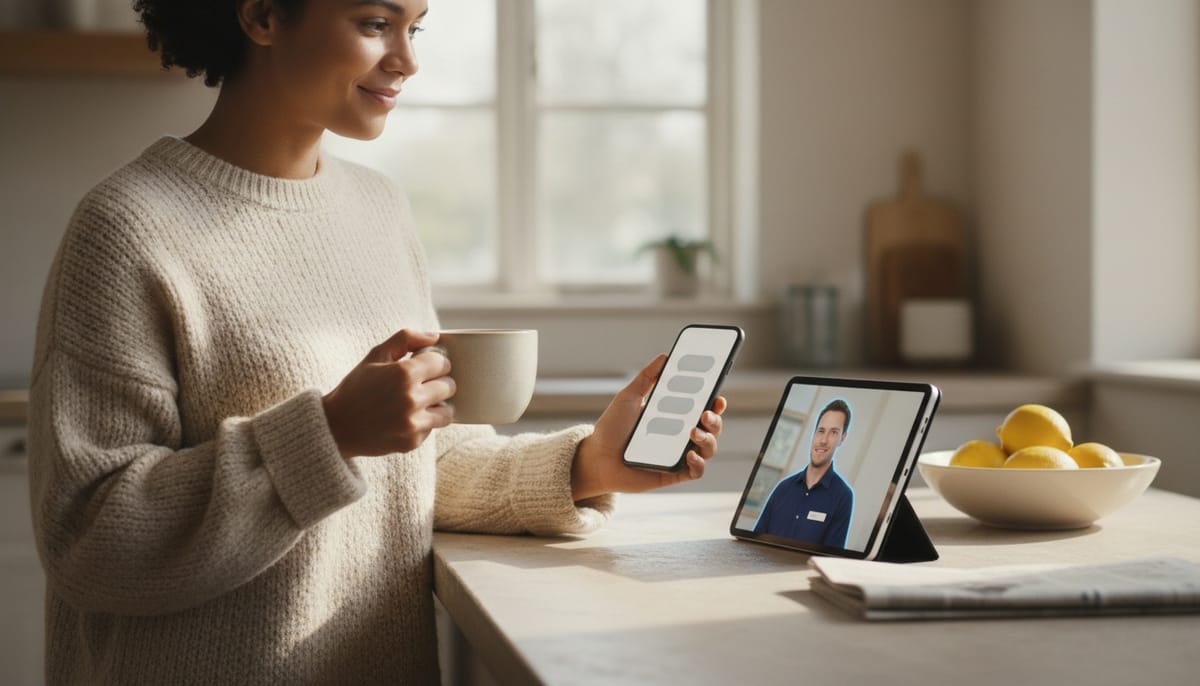
Tell your employee you have a demo tomorrow, and tomorrow evening it will ask how the demo went. Once. Not at midnight, not three times, and not again the day after.
That restraint is the entire feature, and it is harder than the message.
Follow-ups, with the guardrails that make them bearable
When you mention something dated in conversation (a demo tomorrow, back from holidays on Monday, a child's birthday), an employee in human mode now plans a follow-up with a new follow-ups skill, and writes to you first at the right moment.
Anyone can build a thing that messages you later. What makes this usable is what it refuses to do:
- Only inside your day. Never between 21:00 and 09:00 in your own time zone.
- Never during your notification quiet hours. It respects the settings you already configured.
- Twice a day, maximum, across all your employees together. Not twice per employee. Twice, full stop.
- Never twice on the same topic. One follow-up, then it lets go.
- It gives up when it is late. A follow-up more than three days overdue is dropped rather than arriving absurdly after the fact.
In the chat, a small "Coming back to" badge stands in for the wake-up prompt, so you can see why it reached out rather than wondering.
New employees get the skill by default. Existing ones can add it under Edit Employee > Skills.
It also comes back with an idea, occasionally
Beyond dated events, an employee in human mode can decide on its own to return later with something that moves a topic forward. "I kept thinking about your onboarding page."
The constraints here are tighter still. One idea waits at a time, never more. It will not interrupt a conversation in progress, waiting until at least twenty minutes after your last message. And it shares the same daily limits as follow-ups.
This is the feature most likely to divide people, so it is worth being plain: an employee that never initiates is a tool you remember to use, and an employee that initiates constantly is a thing you mute. One idea, occasionally, in your working day, is the narrow band where it feels like a colleague.
Human mode learned to text
A short conversational answer now arrives as several messages in sequence, with a moment of typing in between, instead of one block appearing word by word.
Real work still comes as one message. A report, a list, a table, code, a long answer: all of it arrives whole, with its headings and formatting intact. The split is only for conversation.
The employee also mirrors your emoji use and punctuation, keeps markdown for actual deliverables rather than sprinkling it through chat, and on WhatsApp, Telegram, Slack, Teams and Discord sends several short messages rather than one wall of text. Messages still start with a capital letter even when you write in lowercase, which turns out to matter more than it sounds.
Employees in human mode pick up the new rhythm on their next start.
One Updates card instead of two
The card at the top of the chat that offered skill updates now also tells you when an employee's instructions are behind the current version of Geta.Team. One button updates both: skills first, then the AI Doctor brings the instructions up to date without touching the employee's personality or your own rules. New employees start current.
WhatsApp: your employees can read the conversations
Two new commands. chats lists conversations, most recent first, with their last message. history reads a single conversation, both what was received and what was sent.
The recent history WhatsApp sends when you link a phone is now kept rather than discarded, and older messages can be requested from the phone on demand, which requires the phone to be online, exactly like asking WhatsApp Web for older messages.
Access rules still apply: groups only where allowed, and only permitted contacts unless you have opened it to everyone. An account linked before this version can pull its older messages the same way.
Admins can see, and revoke, everything
New under Settings > Admin: Connections & devices.
It lists every account, its employees, and everything they are connected to. Telegram, WhatsApp, Discord, Slack, Teams, Gmail, Outlook, mailboxes, phone numbers, the Chrome extension, the desktop app, the account's phones and browser notifications. Each shows when it was last used, with a "forgotten?" mark after thirty days of silence.
Anything can be revoked individually, or everything belonging to an account at once, whether that account is active, deactivated or expired. Revocation takes effect on the server immediately, so a browser or a computer loses its sign-in there and then, after a confirmation that tells you plainly it cannot be undone.
The same list appears in each employee's own settings under Connections, where the owner can revoke too. A browser or computer shared by several employees is only taken away from the one you are acting on.
Deactivating an account now offers to cut all its connections at the same time. That box is unticked by default, so reactivating an account leaves it working with no setup.
Calls now actually finish what they start
During a call, an employee can hand work to its own chat session, send an email, check a file, use a skill, then tell the person on the line the outcome. That was true in principle and unreliable in practice.
For in-app calls, the request was waiting in the notification queue because the user was in the chat, which they always are during a call. The employee said it was on it, and nothing ever arrived. It now reaches the session immediately and the answer is read out in that call.
For phone calls on the ElevenLabs voice, the same problem, and no answer was ever delivered. They now take the same path as Gemini Live calls.
For Gemini Live calls on Twilio and SIP, nothing changes for the caller, but it is now reliable when the call and the employee are handled by different server processes.
All three engines were checked with real in-app calls: the request is handed over, the answer comes back seconds later and is read out.
And simultaneous calls no longer mix their answers. When two calls hand work to the same employee at once, the tasks run in sequence and each answer returns to the call that asked for it. An in-app call will no longer read out a reply meant for someone else.
Also in this release
Browser reading got faster and more reliable. Employees are now told the order to work in: read the page's text and data directly first, in one call covering the whole page rather than just what is on screen, then the site's own internal API for clean complete data, and only as a last resort screenshots, scrolling and clicking. Fewer tokens, less missed. Internal APIs are read-only here: to change something the employee goes through the page, so the site's own checks and confirmations still apply.
Browser access renewals no longer collide. Running several browser commands at the exact moment access needed renewing made some fail, and the employee would conclude it had lost the browser and ask to be reassigned. Renewals now happen one at a time.
Account state is respected everywhere. Deactivated or expired accounts are now fully paused on every channel, and resume with no setup when reactivated.
Smaller fixes. In human mode, "Show details" now stays available after a reload rather than vanishing. A WhatsApp message no longer appears twice in an open chat. An admin removing a Telegram bot from another user's employee actually removes it, where it previously did nothing silently, and only an owner or admin can take a phone number off an employee. An admin can now assign their own WhatsApp to any employee on the instance. Reassigning an employee no longer fails silently when an empty folder is in the way. And sites pinned to the sidebar refresh on every browser, not just those served by the same process.
Desktop app 1.0.61 on Mac and Windows: a window that looked frozen is redrawn whenever you reopen or click back into the app, it comes properly to the front instead of blinking in the taskbar, and a window stranded outside every screen after unplugging a monitor is brought back to the main one.
Chrome extension 1.4.3 reconnects by itself when the computer restarts, instead of staying asleep until someone opened it by hand.
Want to test the most advanced AI employees? Try it here: https://Geta.Team