v2.6.1: Nova Learns to Hold a Real Conversation, and Runs on Your Own Models

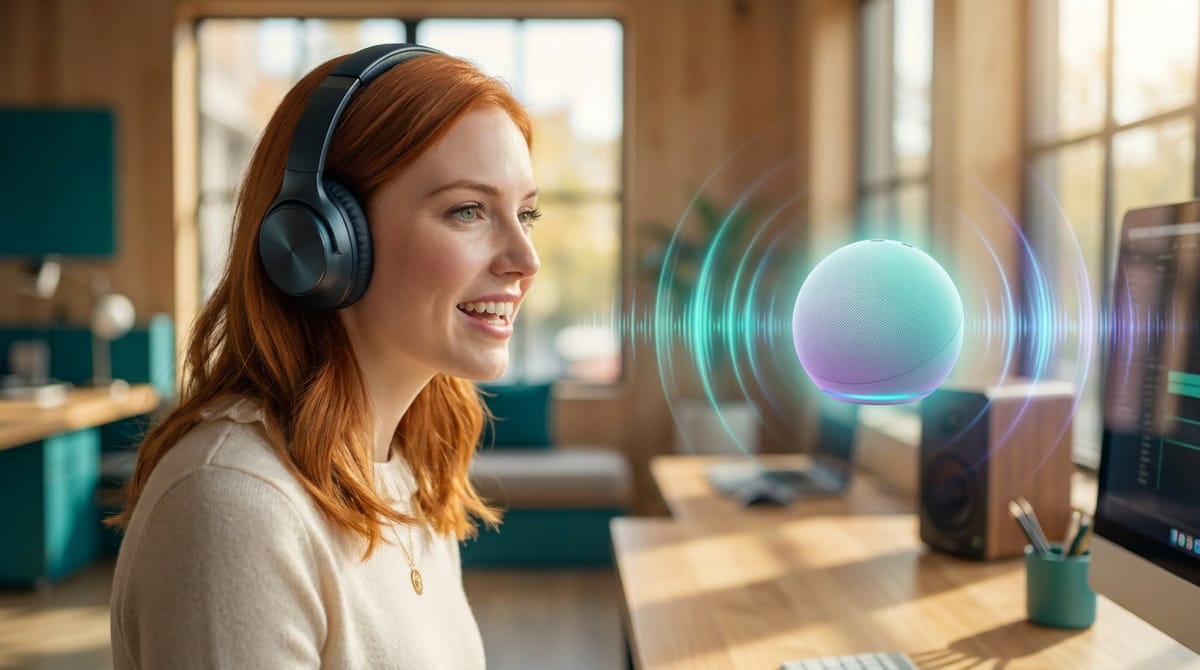
Yesterday Nova got a name. Today it learns to hold a real conversation. This release turns the voice assistant from a talk-and-wait interface into something you actually speak with, in real time, and it rewires what powers Nova under the hood while it is at it.
Real-time speech-to-speech
There is a new Mode toggle in Nova settings: Text or Speech-to-speech. Flip it to speech-to-speech and Nova stops being a walkie-talkie.
Under the hood this runs a client-side Gemini Live session, audio in and audio out, with natural real-time voice and barge-in. Barge-in is the part that matters. You can interrupt Nova mid-sentence the way you would interrupt a person, and it stops and listens instead of talking over you. That single behavior is the difference between narrating at a machine and having a conversation with a colleague.
It is not just chat, either. Speech-to-speech carries the same tools as text mode, so when you ask for a real action, Nova delegates it to the employee, then speaks the result back the moment the work finishes. You talk, the employee works, and the answer comes back in the same breath as the request. There is a live transcript running alongside it too, chronological and auto-scrolling, and the text is now selectable and copyable so you can grab what was said.
You get real control over the feel of it: a Gemini voice picker with per-voice previews, a language setting, and an end-of-speech delay you can set to Fast, Normal, or Patient depending on whether you talk in quick bursts or leave thoughtful pauses.
Text mode now runs on your own models
Quieter, but a big deal: Nova's text mode no longer runs on OpenRouter. It now runs on the Custom LLMs configured for your workspace, any OpenAI-compatible model, and in our hosted setup the models come pre-seeded so it just works.
The model picker lists the models you have enabled, and the Thinking control (off, high, max) only appears for models that actually support reasoning, so you are never staring at a toggle that does nothing. Best of all, the defaults are sane. Text mode works out of the box on your default model without you ever opening settings. That is the standard we hold every feature to: powerful when you dig in, useful before you do.
An orb that shows you what it is doing
Voice interfaces have a trust problem. When you cannot see anything, you never quite know if the thing is listening, working, or asleep. So the Nova orb now reacts to its own state, in both modes.
It sits calm in the brand color when idle. It brightens and grows when it detects you talking, picked up straight from your mic energy. It shifts to an aqua-mint tint with a subtle vibration when Nova is speaking. And in text mode it turns indigo and swirls faster while thinking, with no spinner, because a spinner says "loading" and this says "working." You always know which of the four states you are in without reading a word.
Keys and billing that behave
The unglamorous details are the ones that bite you later, so we got them right. Speech-to-speech in our hosted mode correctly uses your own billed Gemini key, never our deploy key, so your usage is your usage. If the key is missing, an owner or admin gets an inline field to add it on the spot, and everyone else gets a clear "contact your admin" message instead of a dead end. And worth knowing: the Gemini Live preview model currently runs on the free tier, so you can try real-time voice without setting up billing at all.
One home for voice calls
Voice was scattered across a few menus, so we pulled it into a single Voice calls hub. One entry point, with "Talk live" for an in-browser call and your phone line side by side. If you have a number assigned you see the number, its settings, call history, and a test button. If you do not, you just see "Talk live." The redesigned voice settings use progressive disclosure, the important controls up top, the advanced ones tucked into an accordion, with a fixed Save Changes footer so you are never hunting for the button. All the Twilio setup stays where it belongs, in the connector.
Every call, recorded and searchable
There is also a proper call history screen now, built like the rest of our panels. It reads from the on-disk transcripts that are the real source of truth, merges phone and browser calls into one list, and gives you an audio player with play, pause, seek, speed, and an mp3 download. The transcript shows as agent and caller bubbles you can click to seek to that moment, you can export to txt or md, and you can filter by inbound, outbound, or browser and full-text search across the lot. We also fixed a stubborn bug where inbound calls only showed up on page seven of the results, which is exactly the kind of thing that makes you distrust a filter.
The rest
A handful of smaller wins round it out. Mute state now survives switching between text and speech-to-speech, so your mic does not surprise you by reactivating. Opening settings auto-mutes and restores your previous state on close. Mail and Websites now open as full side panels like everything else, and those panels auto-close when you switch menus so they never pile up.
That is v2.6.1. Nova can hold a real-time conversation, interrupt-and-all, runs its text brain on your own models, shows you exactly what it is doing, and every call you make is now recorded and searchable. The voice channel just grew up.
Want to test the most advanced AI employees? Try it here: https://Geta.Team