v2.7.3: Nova Voice Gets Tighter Security, Self-Healing Calls, and a Cleaner Transcript

This release is mostly about Nova voice growing up: stronger security under the hood, calls that recover on their own, a cleaner transcript, and the groundwork for the native mobile app. There is also a Skills page improvement we are happy to ship, plus the Chrome extension chat catching up to the web.
Nova voice: stronger security under the hood
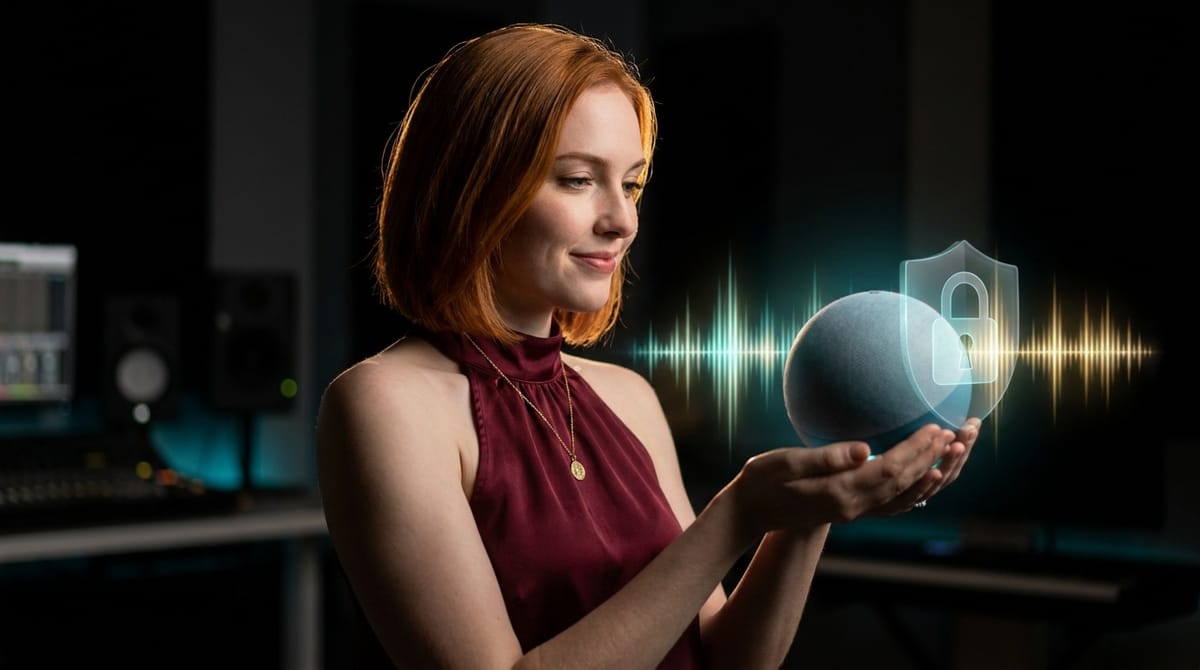
We improved the security around how live voice sessions are set up, across Nova on the dashboard, per-employee Nova, and the in-chat voice call. It is the kind of hardening you would expect from a self-hosted product, and voice now works exactly that way, with no change to how you start or run a call.
A dropped connection no longer ends the call
Voice used to be brittle in a very specific way. A network blip closed the connection to Gemini, and the call just stopped. No warning, no recovery, start over.
Now the call auto-reconnects and resumes the same conversation through session resumption, so you pick up where you left off instead of starting cold. The retries are bounded so it does not thrash, and the system knows the difference between an accident and a decision: an intentional hang-up or a voice change never triggers a reconnect. Blips heal themselves; deliberate endings stay ended.
One clean transcript, however long the session
There was a small gremlin in long voice sessions. Because a live session quietly reconnects every few minutes, the transcript could start stuttering, repeating each phrase several times over: "les prochaines les prochaines les prochaines." To be clear, this was display only. The message Nova actually acted on was always correct, so nothing downstream ever went wrong. It just looked broken.
The cause was a classic one. Each reconnection re-attached its event listeners without removing the old ones, so every event got handled several times over. The fix attaches those listeners once and updates the logic in place on each reconnect. One clean transcript, no matter how long you talk.
Nova knows when to pause
A live voice session bills for every second it stays open, so a forgotten one is a quiet cost leak. Nova now pauses after three minutes of silence and shows a Resume button right there, with a 30-minute hard cap as the backstop for a session nobody came back to. We also smoothed out a case where, after a silence, Nova could sit showing "listening" with an idle microphone instead of pausing cleanly. Now it pauses like it should and waits for you to pick it back up.
Groundwork for the native mobile app
Some of this release is scaffolding you will not see yet but will feel soon. We added a transport contract that lets a native mobile app own the voice pipeline, meaning the audio, the microphone, and the background behaviour, while the web keeps driving the interface. That is what gives mobile voice its better audio and proper background handling. The Nova orb now follows the native app's own speaking and listening state. If there is no native transport present, the web behaves exactly as it did before.
"Resync all" now protects your custom skills
Clicking Resync on the Skills page refreshes your built-in template skills. We have made that action strictly additive: it reinstalls and updates the template and added skills, and it leaves every custom skill you built completely untouched. Whatever state your setup is in, a resync will only ever add and update, never remove. So you can refresh your templates with total confidence that the custom skills you and your team built stay exactly where they are.
The Chrome extension chat caught up to the web
The extension's chat got reworked to match the web app properly: the same message bubbles and badges, branded channel icons for Gmail, Outlook, Slack, Teams, Telegram, WhatsApp, and Discord, clean email and channel cards with clickable links, WhatsApp and Telegram media rendered inline, and a Nova label on anything relayed through voice. Long conversations now open instantly and load older messages as you scroll, just like the web. And those long tokens, like draft IDs, that used to stretch the chat sideways are wrapped now. On top of that, Nova and your employees can walk you through installing the extension, direct Chrome Web Store link included.
None of this is flashy on its own. Together it is the difference between a voice feature that demos well and one you can actually trust with a real workday: tighter security under the hood, a bad connection that recovers itself, an honest transcript, and custom skills that stay safe through a routine refresh.
Want to test the most advanced AI employees? Try it here: https://Geta.Team