v4.0.1: Notifications That Reach You With Geta.Team Closed, Meeting Replays You Can Share, and Voice That Costs Far Less

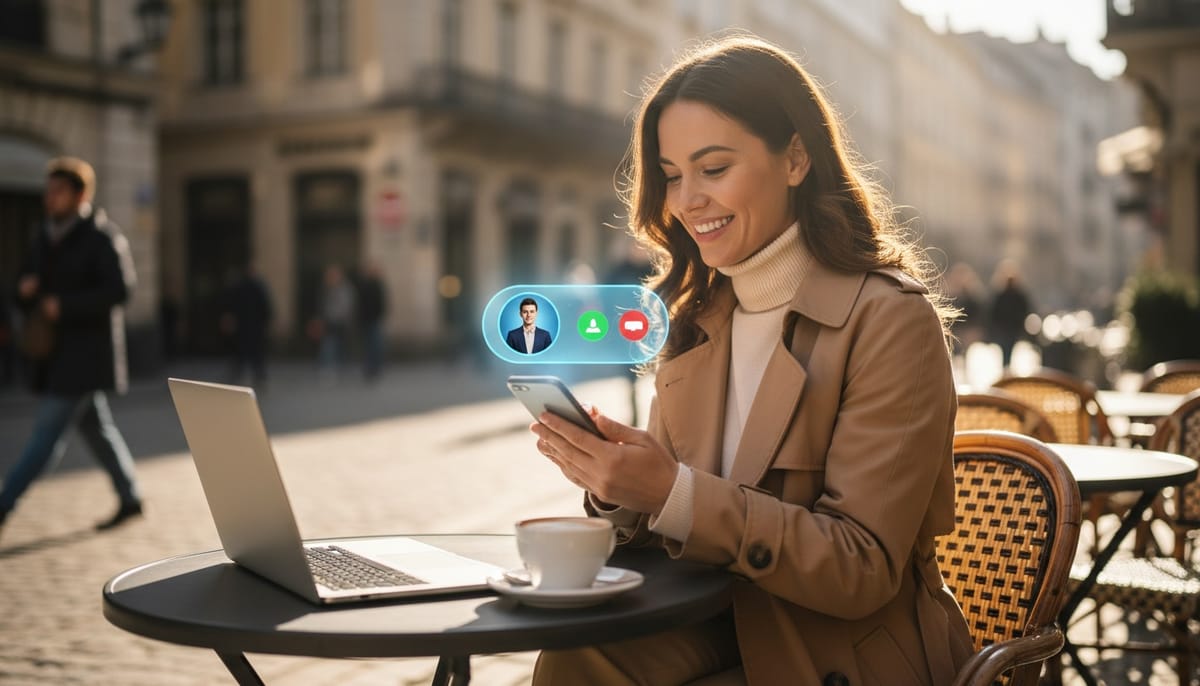
Version 4.0.0 brought your team into Messages. In 4.0.1, Messages, calls and meetings reach you wherever you are: on your phone, with the browser closed. This release also lets you share a meeting replay with a link, gives calls a proper "Calling…" screen, and makes voice conversations with your employees much cheaper to run.
Notifications That Reach You With Geta.Team Closed
Messages, calls and meetings now arrive as real notifications on every device where you turn them on, even with the tab closed, the browser closed or the phone locked.
- Messages show the sender or the group and a preview, one notification per conversation, with the latest replacing the previous one.
- Calls come with Answer and Decline buttons. Answer or decline on one device and the call disappears from all the others. If nobody picks up, it becomes a missed call.
- Meetings remind you ten minutes before they start, then again when they begin, with a Join button.
Notifications stay quiet when they should. You get nothing from muted conversations (unless someone mentions you), nothing in Do not disturb or during a meeting, and nothing on the device where Geta.Team is already open in front of you.
Turn them on from the banner in Messages, or with Notifications on this device in your profile menu. On an iPhone, add Geta.Team to your home screen and it installs as an app, which is how iPhones receive notifications (the banner walks you through it). On white-label instances, notifications carry your own brand name and logo.
Share a Meeting Replay With a Link
Any ended meeting can now have its own replay site, even a call with no AI employee in it. Click Create a replay site, choose how long it stays available (1, 3 or 7 days) and copy the link. Anyone with the link sees the video, transcript, chapters, chat, summary and who spoke when. Team members who were in the meeting just sign in.
You can add a password, and the window will suggest one that's easy to read out. New link replaces the old one, and Turn off stops sharing straight away. If you only want to watch the video yourself, Watch the recording still plays it inside Geta.Team.
Calls and Meetings, Smoother
- A real "Calling…" screen. When you call a team member, you wait on a Calling screen until they answer, instead of sitting in an empty meeting. If they decline or don't pick up, you see that, with Call again. Group calls from Messages ring everyone, and you go in as soon as one person answers.
- Audio and video settings. Choose your microphone (with a live level bar), speakers or headphones (with a test sound) and camera, on the Join screen or during a meeting. Changes apply at once without hanging up.
- Camera effects before the camera starts. Pick blur or a background on the Join screen, so your real background never appears, not even for a second.
- Guests skip the form. A guest's name and email are filled in from their last meeting.
- Meetings end sooner when everyone has left, and the meetings list updates live.
- No more accidental declines. A stray click or the Escape key no longer declines an incoming call.
Translate What You Write Before You Send It
The AI button in the Messages box (Correct, Rephrase, Make it shorter) now also offers Translate into…, with 16 languages including Hebrew, Arabic, Chinese, Japanese and Hindi. Your draft is translated into the language you choose, whatever language you typed it in. The last language you used is remembered for each conversation, and Undo brings your original text back. Translations now come out fully in the language you asked for, greetings included.
Voice That Costs Far Less
If you talk to Nova, make voice calls or bring employees into meetings, your API bill should drop noticeably. Voice sessions now keep their context compact rather than sending the whole conversation again after every reply. Meetings also no longer run a second, costly AI pass over the transcript once they end. Notes and action items work exactly as before. Under the bring-your-own-keys model, that saving goes straight to you.
We have also moved every feature off Gemini 2.5, which is being retired, onto the current Gemini 3 models, with sensible limits on how much each request "thinks".
Your Employees, With Fewer Arbitrary Limits
- No more daily email limit. Employees are no longer blocked after 25 emails a day, a setting few people knew how to change. Basic protections against email loops and floods remain.
- The allowed-recipients list does what it says. When you limit an employee to certain addresses (a
*@domainline covers a whole domain), it can only email those. When you don't, it can email anyone. Nothing gets added to the list behind your back any more. - Deleting a user no longer means deleting their employees. You choose employee by employee: transfer it to the instance owner with its memory, files, connectors and Kanban, or delete it. Everything the user connected, such as WhatsApp, Telegram, Gmail and Outlook, is disconnected cleanly.
- The AI Doctor repairs access. If an employee's access token is missing or out of date, the Doctor issues a new one and tells you.
Desktop App and Browser Extension
- Desktop app (Windows) types whole sentences reliably, accents included, checks what actually landed in the field, and brings the apps it opens to the front. Signing in to Microsoft 365 or Google now opens in its own small window.
- Browser extension now shows your employees' interfaces (charts, tables, forms, approvals) just like the web app does. It also opens Kanban cards from their chat badge, lets you search your employees, and takes on your instance's name, logo and colours on white-label instances.
Also in This Release
- Employees can read their own Kanban board again.
- On phones, the keyboard no longer pushes Messages and employee chats off screen.
- Closing Messages takes you back to where you were.
- White-label instances no longer show Geta.Team branding in the website widget or in system emails.
Why This Matters
A team chat you only see when the tab is open is not much of a team chat. With 4.0.1, a message or a call from a colleague, or from one of your AI employees, reaches you wherever you are. Meanwhile, the voice features cost less to run, and your employees have fewer arbitrary limits on what they can do.
Want to test the most advanced AI employees? Try it here: https://Geta.Team