v3.1.2: Your Employees Get a Face on Camera, a Film Studio, and More Than One Computer

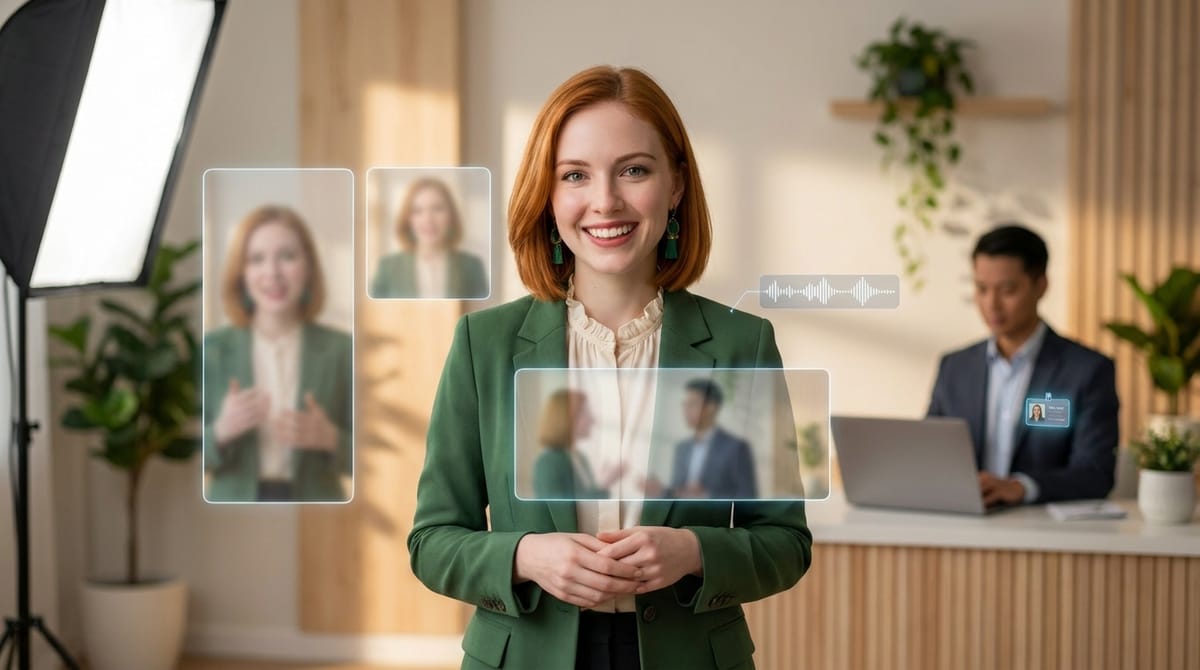
Your employees could already write, call and publish. This release gives them a face on camera, a film studio, and the ability to work from more than one of your computers.
Talking-avatar videos
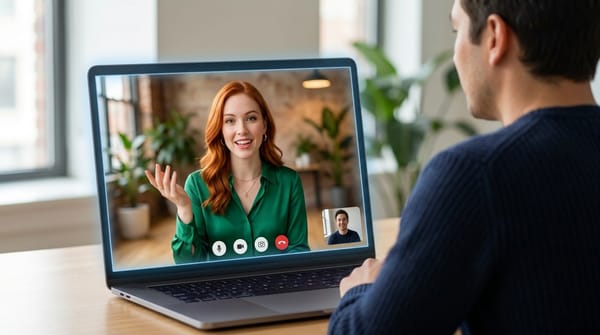
An employee can now take a photo and make it speak. You give it a script, it gives you back a short MP4 with the lips in sync.
The voice comes from ElevenLabs, the avatar from LemonSlice, and the whole thing runs on your instance, so neither set of keys ever reaches the employee. It renders in 9:16 for Reels, Shorts, Stories and Telegram, in 1:1, and in 2:3. You can reframe the photo first as a bust, a portrait, standing or sitting. The language follows the employee, so a French employee speaks French without being told.
A video takes roughly a minute plus its own running time. One at a time per employee, up to 120 seconds of speech.
Choosing the voice is done by ear, not by name. Configure, then Video voice, lists the voices with their accent and tone, each with a sample you can play in the employee's own language. You can also paste any ElevenLabs voice ID, including a clone from your own library. Only the owner or an admin can set it.
If no voice has been chosen yet, the employee asks before making its first video. It sends you two or three samples in the chat, saves whichever you pick, and tells you where to change it later.
Rendering settings sit at the top of Configure, then Avatar video, for the owner or an admin: smooth motion, which rebuilds the in-between frames up to 30 fps and roughly doubles render time, resolution at 720p or 1080p, encoding quality, and which LemonSlice model to use. An employee can override any of them for a single video when you ask.
LemonSlice time counts against the owner's monthly video minutes, the same as a video call. Admins are unlimited. The skill is in Skills, then Available skills, and existing employees can add it from there.
Real motion design, written in code
The Remotion skill grew up. Employees can now make actual films: launch videos, product explainers, LinkedIn, Reels and TikTok ads, anywhere from 15 to 90 seconds.
It ships with a full method rather than a blank canvas. A director's brief, a visual reference, a rhythm grid, springs and transitions, a voice-driven timeline and a frame-by-frame critique loop. There is a project template with an animation toolkit, and a soundtrack synthesised in code, which means it is royalty free by construction.
One timeline renders in 16:9, 1:1 and 9:16. A 40 second film takes one to two minutes per format, after a one-time setup that installs the render engine in the employee's folder.
The two features meet, which is the fun part. Ask for your employee's face in a film and it makes the talking clips with the avatar skill, one per paragraph, using their own voice as the voice-over, then lays them in as a round inset, a split screen or a full-screen presenter. It never touches their speed, so the lip sync survives.
Employees that already have Remotion get the new version from Skills, then Reinstall.
One employee, several computers
If your employee drives your desktop, it was previously tied to a single machine. Pairing a second one took it away from the first.
Now an employee can be paired with your office PC, your laptop and anything else, each with its own name and its own key. Pairing a new computer leaves the others alone, and pairing the same one twice changes nothing.
With one computer online, the employee just uses it. With several, it asks which, or you can name one directly. A status check lists every paired computer with whether it is online, whether OS control is on, and when it was last seen.
The errors are legible now too. Instead of "Invalid secret code" for everything, you get told specifically that no computer is connected, that several match, that OS control is off, that a key has changed, or that the app needs updating.
Settings, then Connectors, then Desktop app gives you the full picture: your computers, their status, which employees are paired with each, their app version, and a log of every action run on them, kept for a year. Each computer can replace its own key from the desktop app, and its employees pick up the new one without re-pairing.
Existing pairings keep working and move to the new format the next time you pair.
Google and Telegram
Past calendar events. The Google Calendar skill now looks backwards as well as forwards, either a number of days or a date range in your timezone. Useful for anything that starts with "what did we actually do last month".
Reading Google Sheets. The Drive skill can read any sheet the account can open, a whole tab or a range of cells, returned as a table or JSON, with the list of tabs. No new Google permission needed.
Telegram videos play in the chat instead of arriving as a file to download.
Both Google skills reach existing employees through Skills, then Reinstall.
Fixed
Japanese, Chinese and Korean messages were being cut off. These languages are typed through an input method where Enter confirms a conversion rather than finishing a sentence. The chat was treating that Enter as send, so messages went out half-written or twice. An Enter that confirms a conversion no longer submits anything, anywhere in the app, in Chrome, Edge, Firefox and Safari.
Emails with several recipients now reach all of them. If a message had one of your agents in To, Cc or Bcc, the mail server stopped at that first agent, and the other agents and every external recipient were quietly dropped while the sent folder showed it as delivered. Every recipient now gets their copy.
Email contacts behave as described. A *@company.com line now works for outgoing mail as well as incoming and covers the whole domain, so the list stops filling up one address at a time. The outgoing rule no longer follows the incoming setting by mistake, and the panel's labels now say what will happen rather than what is currently true.
Phone calls hear you properly. In one-at-a-time mode the voice model ignores everything said while its own sentence is playing, which could be ten to twenty seconds. A caller who started talking during a long greeting was not heard at all, and a caller answering early lost the start of their reply, which is how "Lucas Martin" became "Martin". The caller's audio from that moment is now held and handed over as soon as the model listens again.
Also: sending an email during a call works, Google Drive uploads work again, sign-in code limits tell you the real waiting time instead of always saying fifteen minutes, and the desktop app now only ever runs an action on the computer whose key matches.
Want to test the most advanced AI employees? Try it here: https://geta.team